JWT Lens
Decodes JSON Web Tokens right inside Raycast.
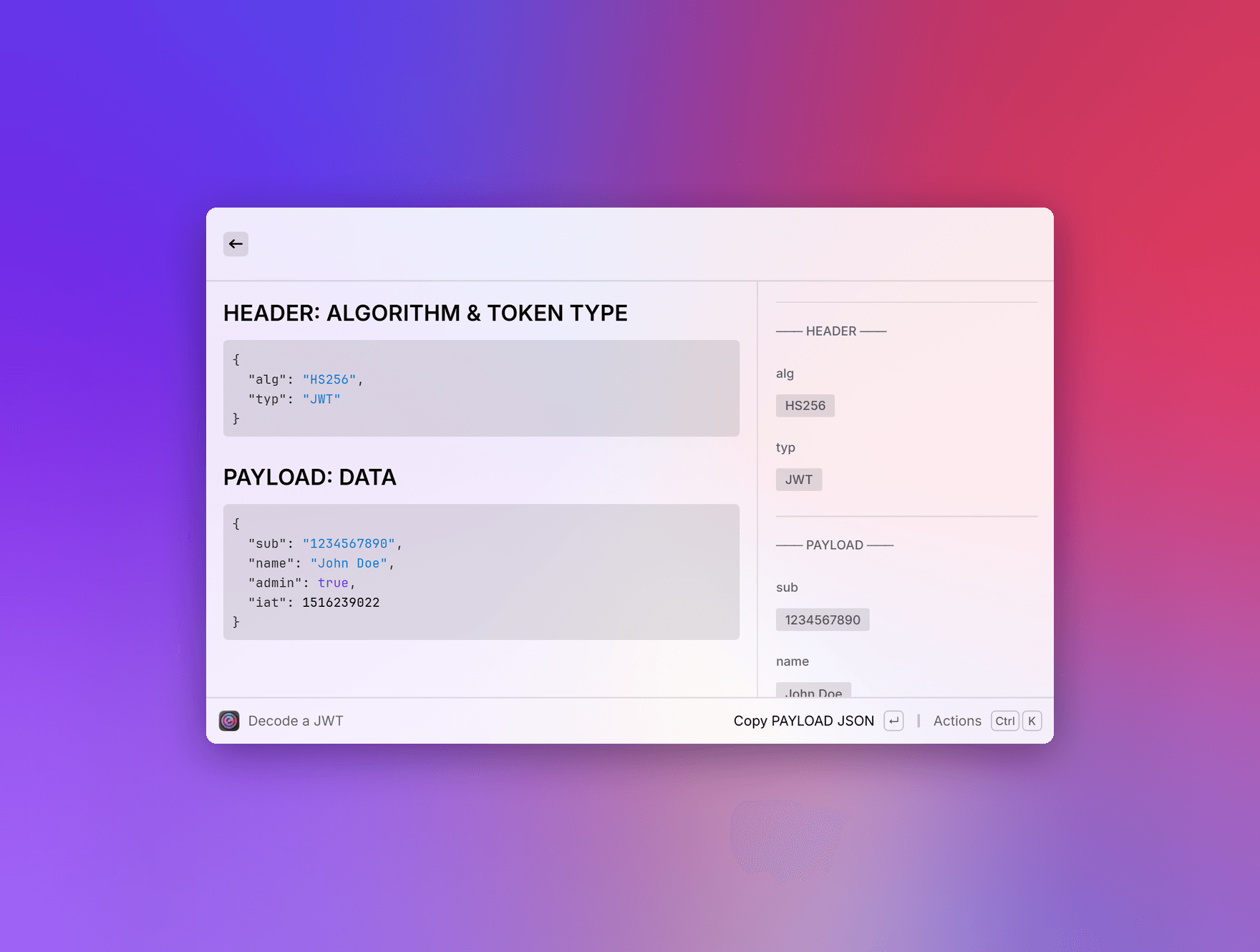
Copy the token, run “Decode a JWT”, read.
JWT Lens takes the token from the clipboard, even with Authorization: Bearer still in front. You see header and payload as JSON, every claim with its full name, and right at the top whether the token is still valid.
The extension also verifies the signature, with a secret, public key, certificate or JWKS URL. All of that happens locally. Only with a URL does JWT Lens fetch the public key from there.
JWT Lens isn't in the Raycast Store. You build it from source, which takes three commands.
Tech stack
What JWT Lens does
- Timestamps as datesiat, exp, nbf and auth_time, readable.
- Scopes as tagsEvery other array claim too.
- Warning on alg: noneUnsigned tokens stand out right away.
- Copy anythingToken, header, payload or single claims.
- Helpful errorsFor broken tokens you see how many parts were recognized.
Installing with an AI assistant: instructions for every operating system at /projekte/jwt-lens/install.md